 Finally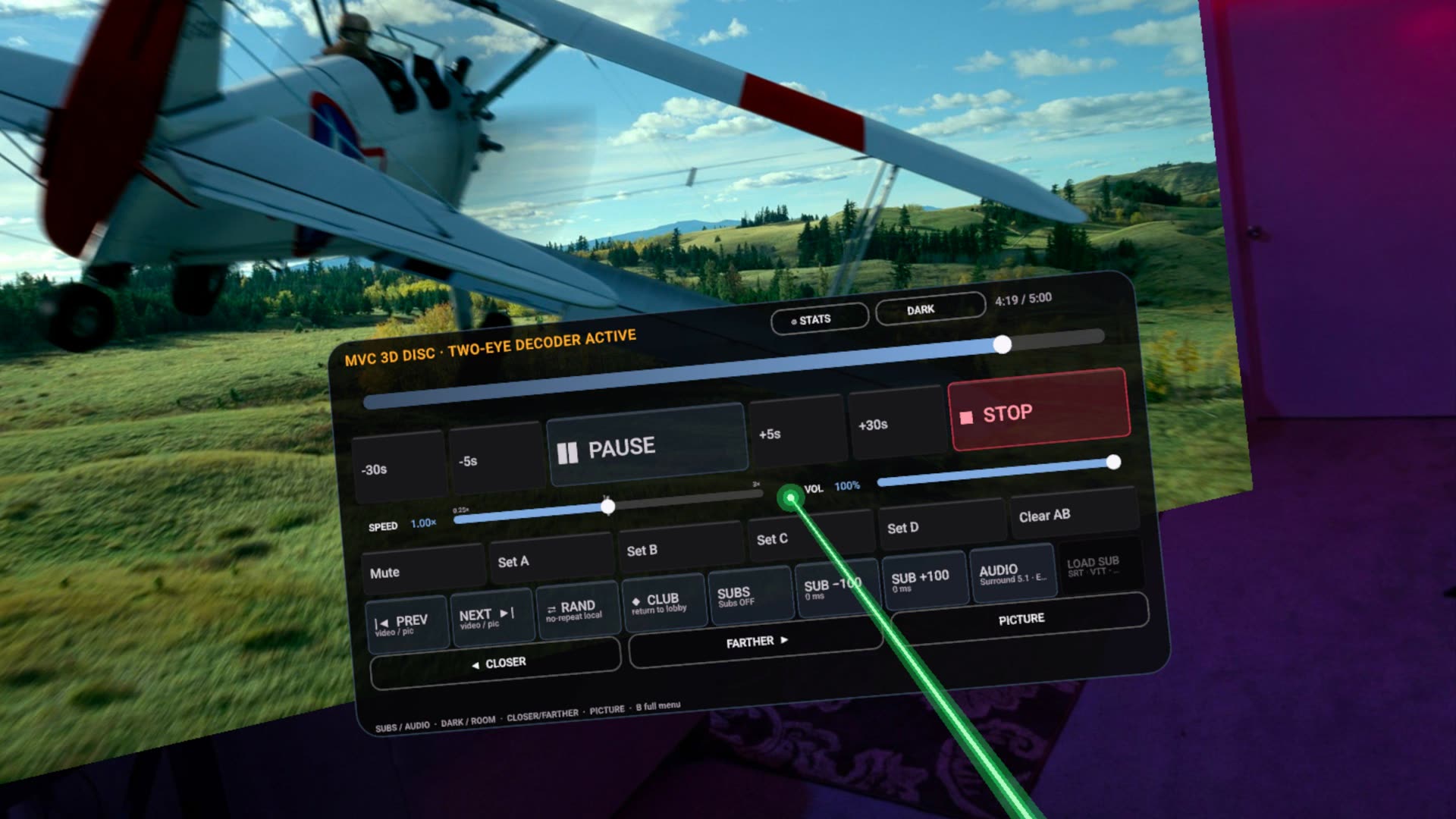
Can Quest play a Blu-ray ISO?
Yes — if the image is already decrypted, and you treat the path as experimental. Finally plays experimental decrypted Blu-ray / MVC rips from local storage or a NAS share. It is not a ripper, not a decryption service, and not a BD-J menu browser. You open the ISO (or the prepared stream) and watch.
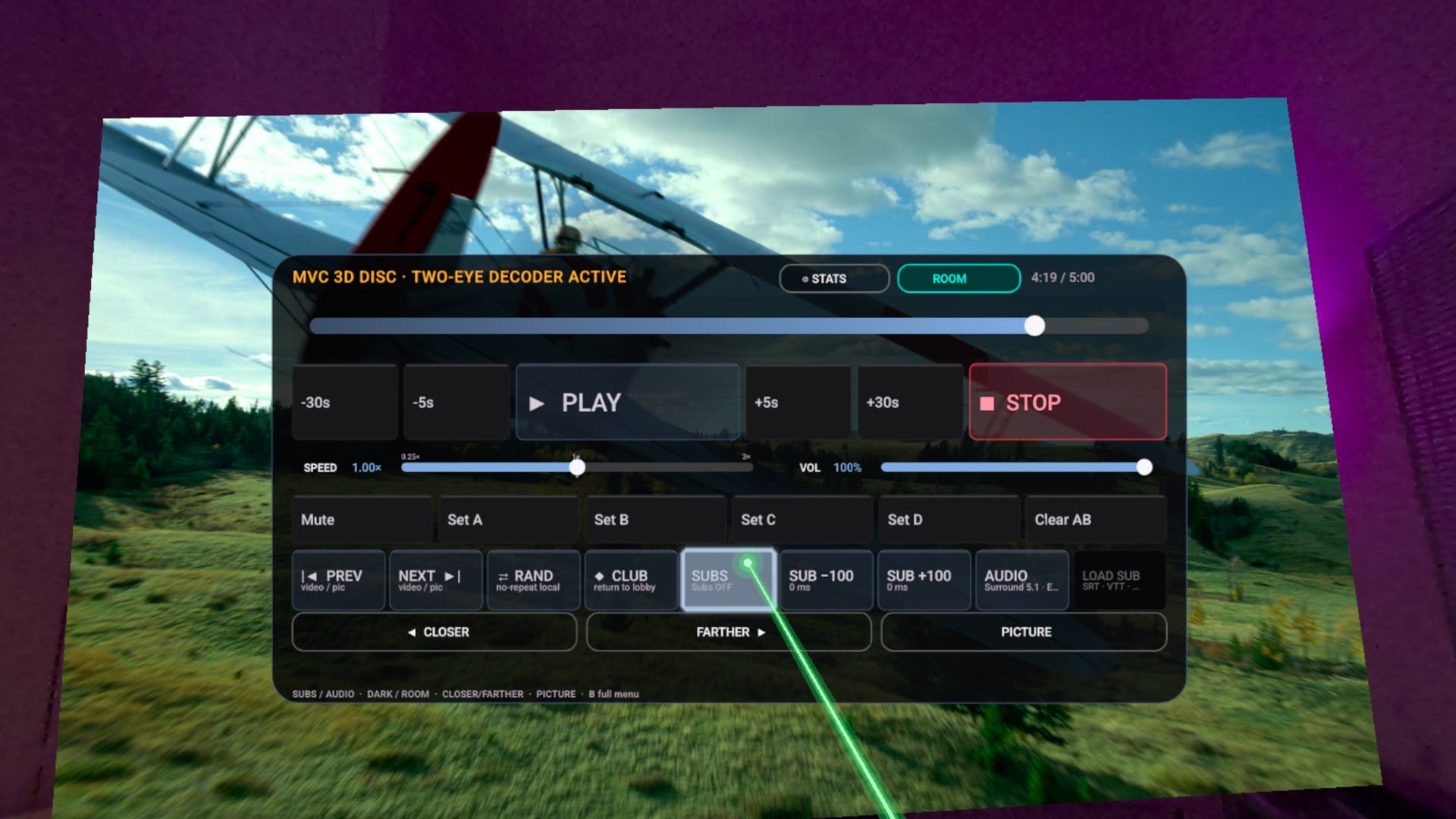
3D disc rips are why some people pay $30 class for 4XVR. Finally ships an experimental MVC / second-eye path so that job exists in a free native player too. Treat it as “the stream, in VR,” not as a living-room Blu-ray deck with pop-up menus.
What we do not claim.
- No decryption. No AACS. No “put a retail disc in a USB drive and it just works.”
- No disc menus / BD-J.
- ISO/SSIF prepared routes keep some shared AUDIO-studio features disabled — the manual says so on purpose.
- Network ISO is a bandwidth and seek problem before it is a codec problem. Wired NAS plus a fat Wi-Fi hop to the Quest is the realistic setup.
4XVR and Skybox still exist.
4XVR is the paid specialist a lot of ISO collectors already own. Skybox Preview 2.0.0 publicly added Blu-ray ISO plus MVC 3D decoding. NEX’s listing now claims MVC 3D from Blu-ray ISO. If 4XVR already plays your shelf, keep it. If you want a free experimental check on the same rips, Finally is the install that does not need a receipt.
Can I play a Blu-ray ISO on Meta Quest?
Finally VR Video Player can play experimental decrypted Blu-ray ISO / MVC rips you already own, from local storage or SMB. It does not decrypt discs, does not provide disc menus, and is not a ripping tool.
Own the file. Play the file. That is the whole product.
Get it free on Meta Quest