Finally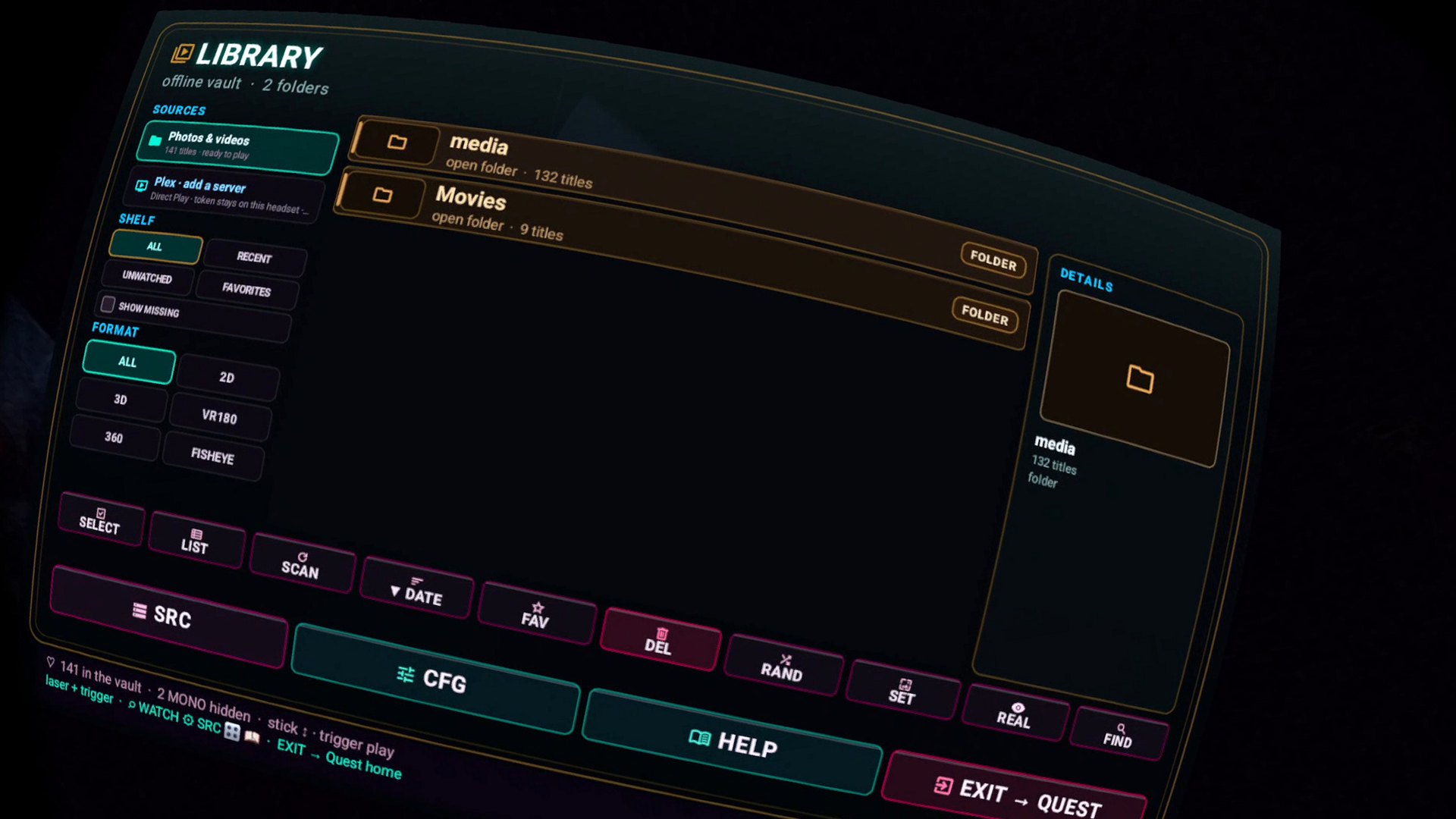
Can Quest 3 play videos from a Synology NAS?
Yes. Enable SMB on the Synology, install Finally, add the share, press play. Files stream from the NAS. They are never uploaded anywhere. You do not need Plex, Video Station, or a USB copy of the library. Finally is free and collects nothing. Generic NAS steps: NAS / SMB guide.
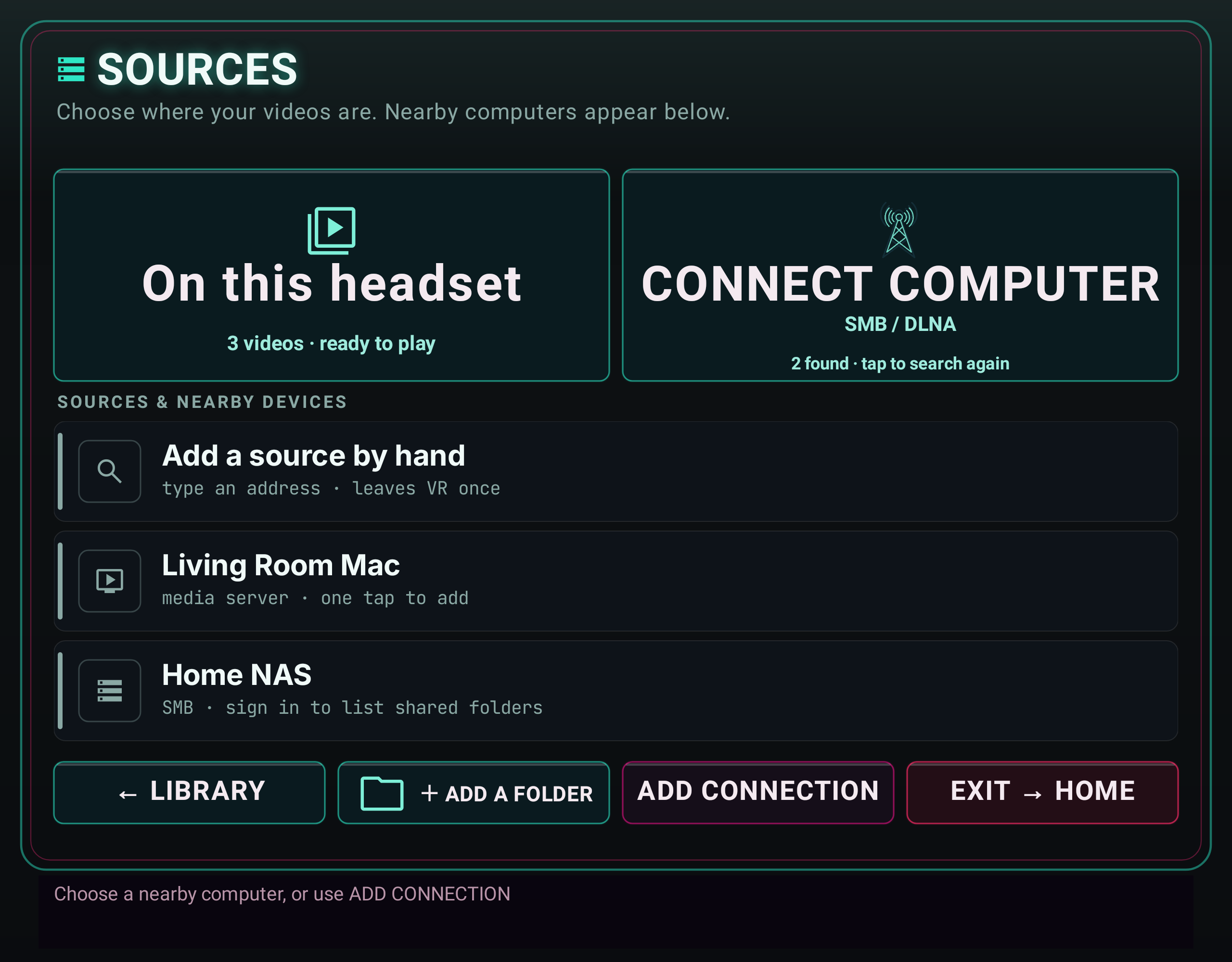
Follow the illustrated connection guide. Mac, NAS and DLNA setup, step by step, with an updated Sources preview and fixes for discovery, sign-in and empty folders. Earlier builds label this entry point SRC.
What to turn on.
- Control Panel → File Services → SMB. Enable it.
- Shared Folder: the movies/VR library, with a user that can read it. Note the NAS IP.
- Quest and NAS on the same LAN (not a client-isolated guest SSID).
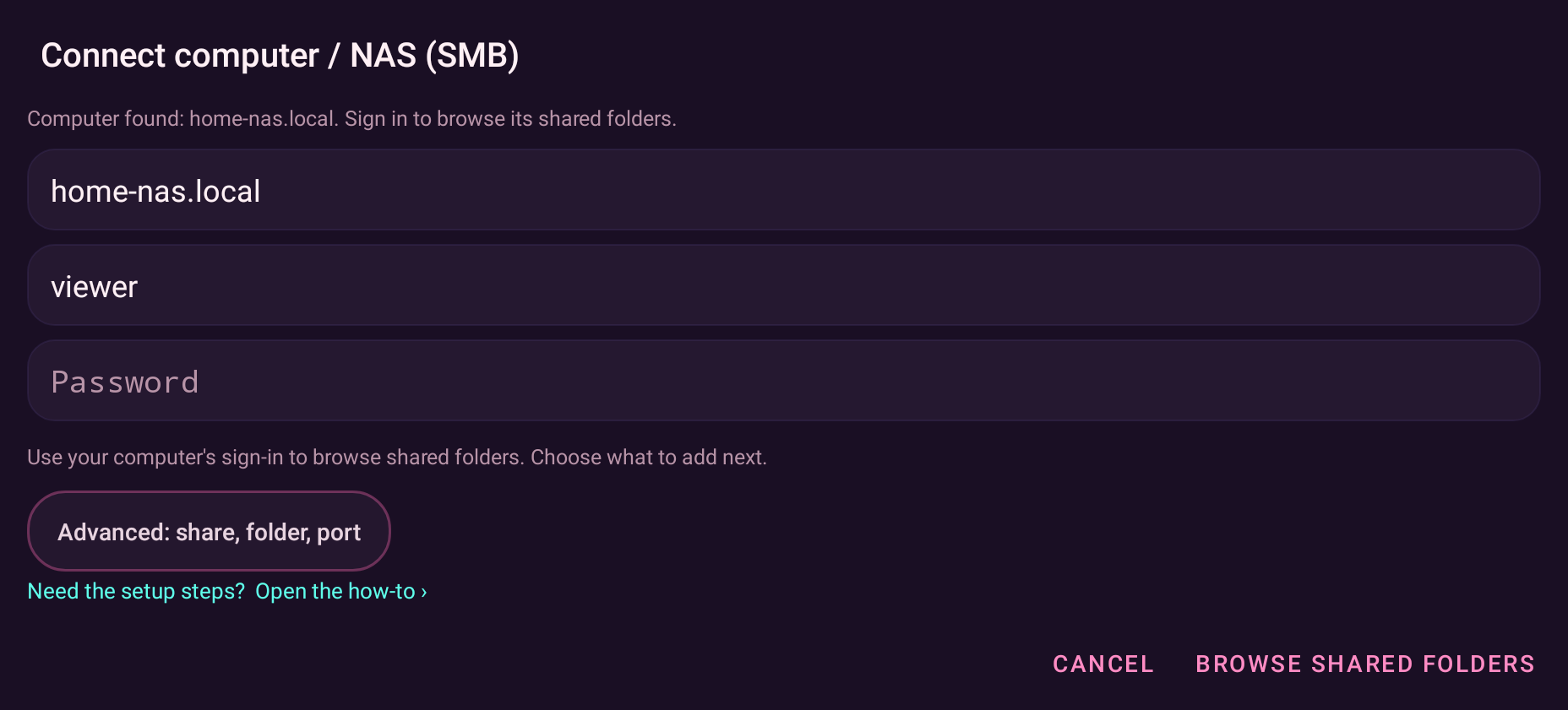
- Finally → Source setup (SRC or SOURCES) → SMB → host / user / password → shared-folder card → save.
Plex on the Synology is optional. Finally can Direct Play from a user-supplied local PMS URL + token — no cloud login, no transcode. SMB is the no-transcode path for files you already named. 8K is a Wi-Fi fact — wired NAS plus 5/6 GHz to the Quest. See 8K on Quest.
Synology already holds the library. Finally is the Quest end of the cable.
Get it free on Meta Quest