 Finally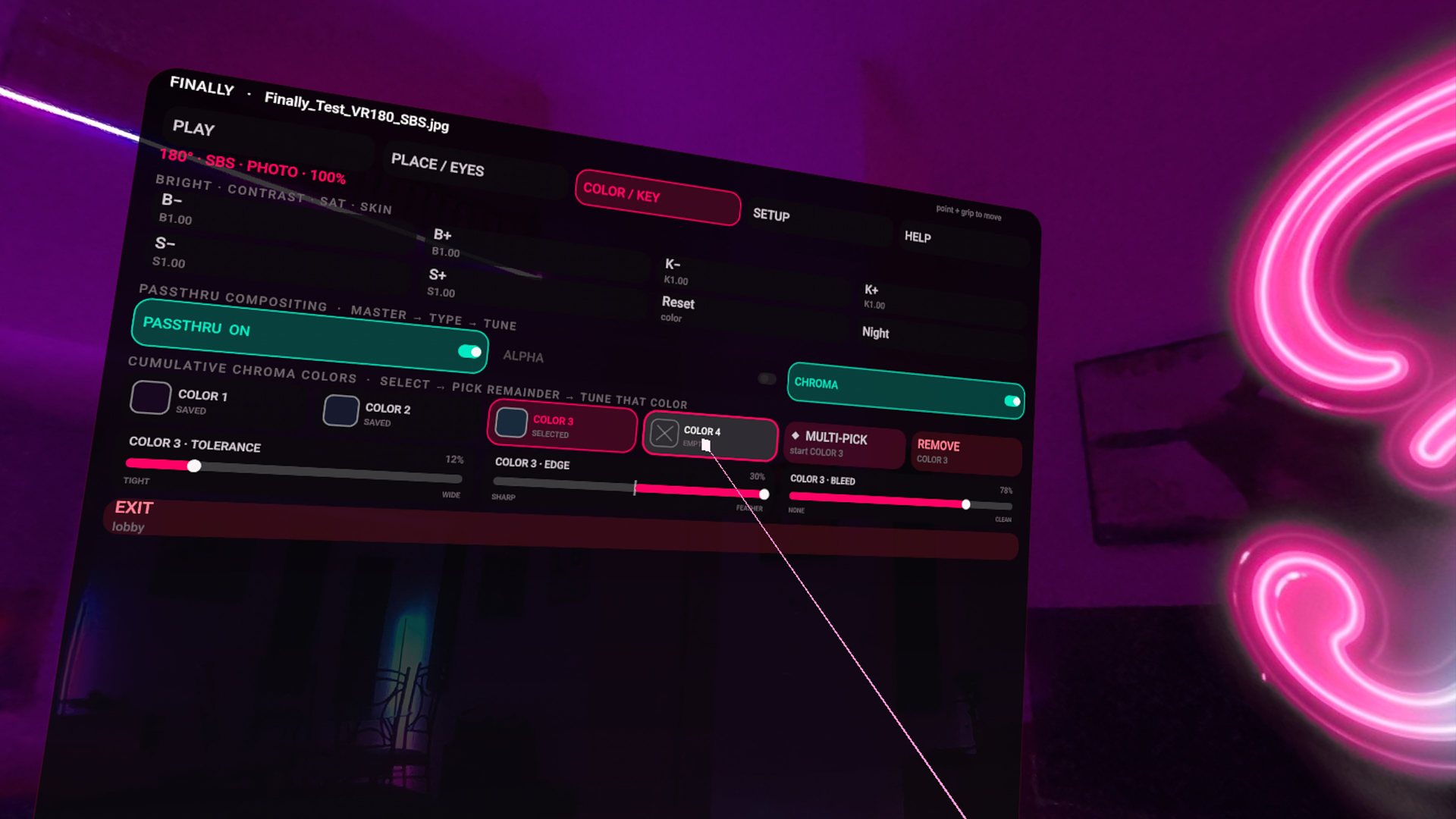
Passthrough VR video on Quest 3
Finally VR Video Player plays alpha-packed AR video in passthrough and keys green/other screens with four simultaneous colors. Point the laser, click, it is keyed. The Lobby can sit in your real room (REAL) or a 360 world (SET). Free. No telemetry.
This is the mixed-reality job other players treat as a gimmick or a single key. Finally’s COLOR/KEY page is a suite: packed alpha, four keys, edge controls, room dim so the movie stays bright while the room drops.
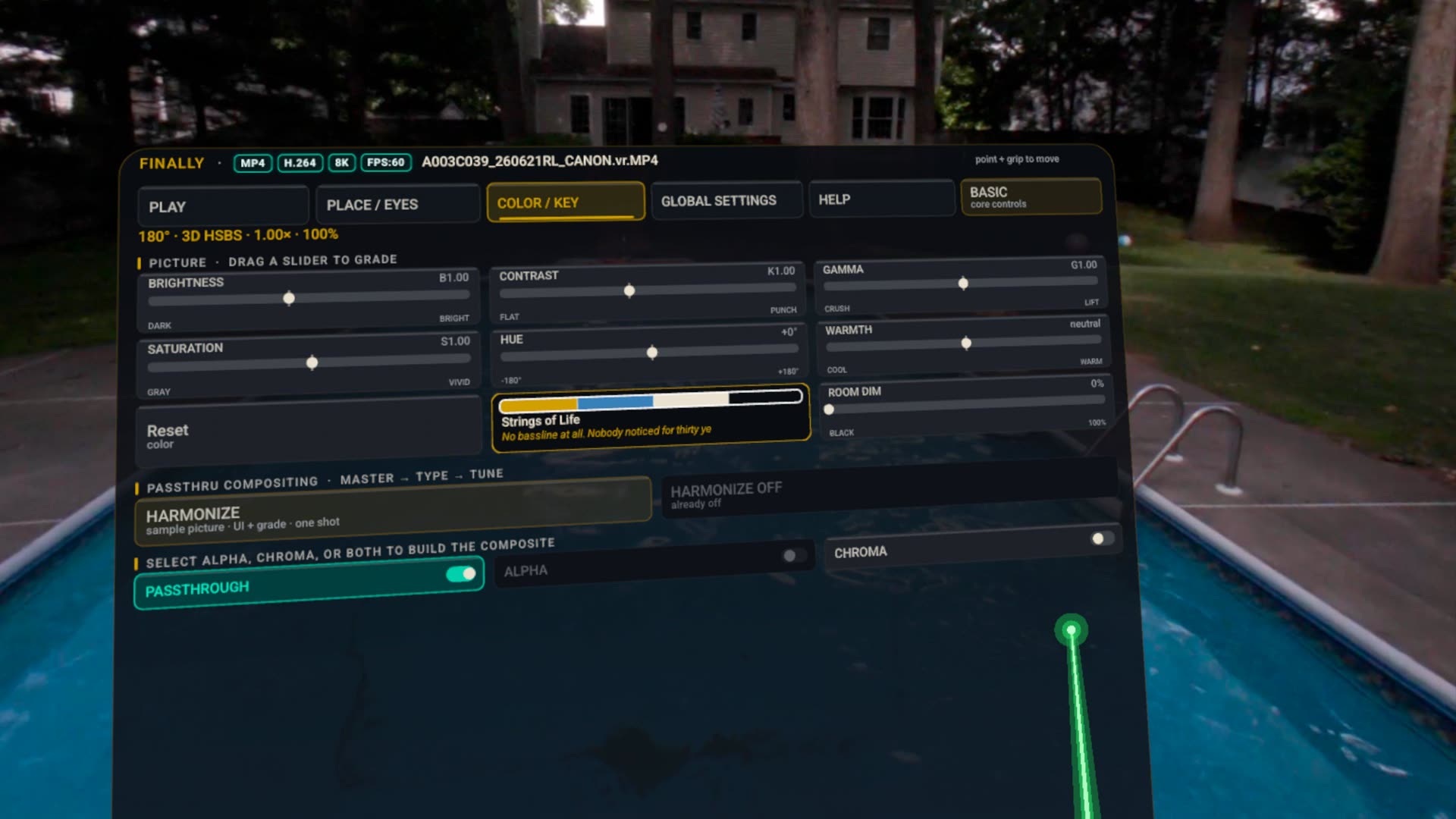
Laser picker.
Open COLOR/KEY during playback. Enable passthrough. Pick a key slot, point at the spill color, click. Tolerance, edge, bleed are per color. Packed-alpha files skip the guesswork — the matte is already in the file.
Projection still matters: a VR180 keyed into the room with the wrong lens looks like soup. Fix the lens first (VR180 guide), then key. In-headset still: the chroma shot on the home page.
Passthrough questions.
Can I chroma key VR video on Quest 3?
Yes. Finally VR Video Player supports packed-alpha AR video in passthrough and four simultaneous chroma keys with an in-headset laser color picker. The vault can also float in your real room.
Your room is the theater.
Get it free on Meta QuestKeep the background while changing photos.
The Quest 1.0.28 photo update keeps the selected virtual room or passthrough visible while the next photo loads. Use visible PREV / NEXT controls to try it with a small album of your own photos. Loading time still depends on the source.
Set up SBS 3D photos or follow the Galaxy XR guide. Galaxy updates may reach Google Play at a different time; check the installed version.