 Finally
Visual walkthrough
Connect a Mac, NAS or FireStream server
Find SOURCES, choose SMB or DLNA, sign in and browse. Large illustrations and practical fixes for connection problems.
Finally / Guides
Choose your headset. Open your first file.
Set up local files, connect an SMB share, or get a stereo photo looking right. Start with your headset and the media you want to open.
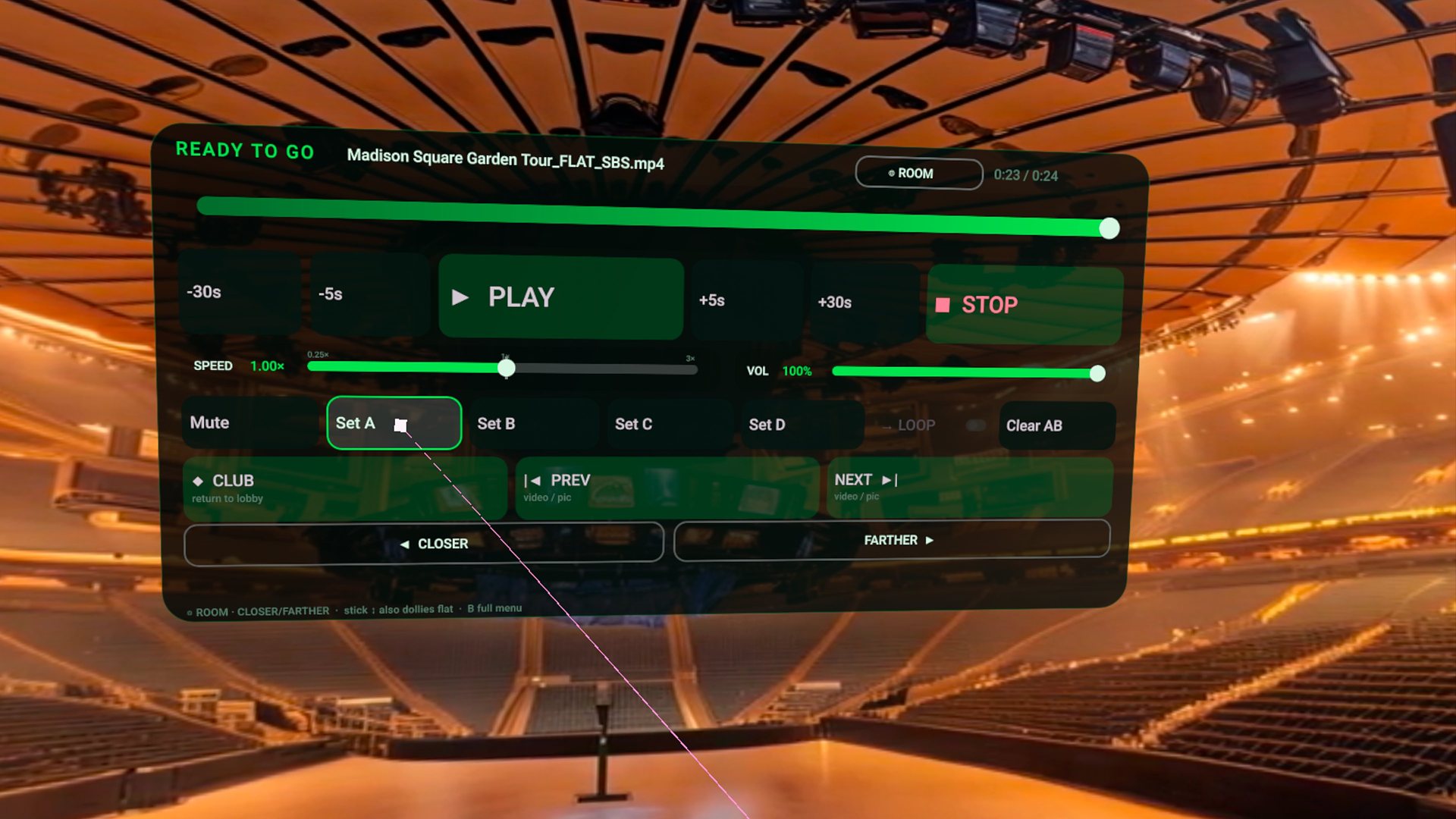
Find SOURCES, choose SMB or DLNA, sign in and browse. Large illustrations and practical fixes for connection problems.
The Google Play route, your first local video, and headset-specific checks.
Flat versus VR180, FULL versus HALF SBS, eye order and photo controls.
SMB setup for Synology, TrueNAS, and Windows shares. No upload, no account.
Lens detection, SBS packing, sticky overrides when a file looks wrong.
Experimental decrypted disc images you already own, including MVC 3D rips.
Add a local video or folder, then open it from the Library.
Install Finally on Quest 3 and choose local files, a NAS library or immersive video.
Price, what stays on the headset, privacy map.
Share a folder on your NAS or Windows PC, then connect from the headset.
Decoder ceiling on Quest 3, chroma keys, private LAN movie night.
Free native library player vs the paid environment living-room. Also vs Skybox.
Compare the workflows and formats that matter to your collection. Also vs 4XVR.
Library player vs the optical calibration bench. Also vs HereSphere.
Compare everyday playback, controls and source options. Also vs NEX · vs Moon VR.
The field manual is the full control map. Use these guides for a focused walkthrough.
Get it free on Meta Quest