 Finally
How to watch local videos on Quest 3
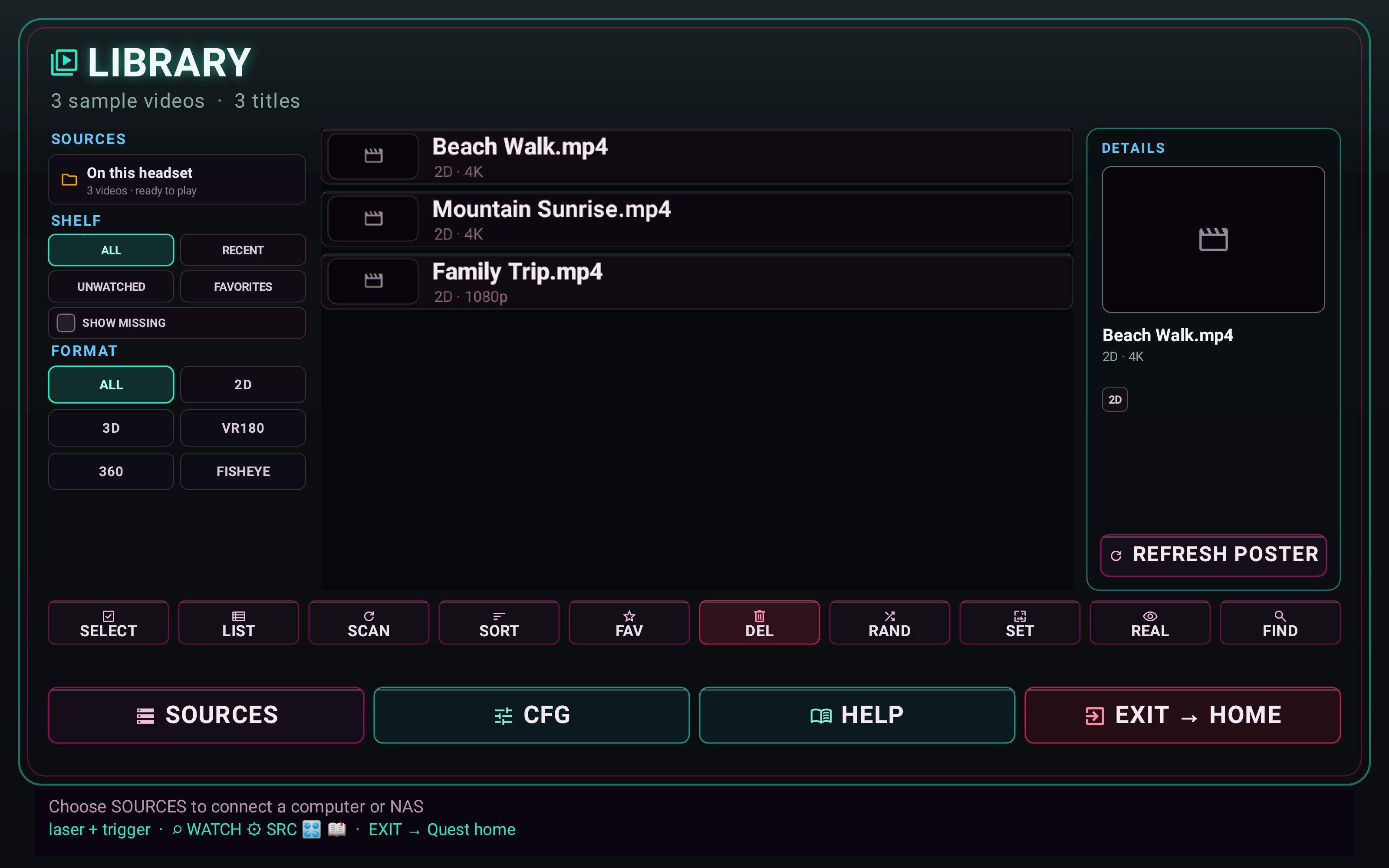
Install Finally, copy a video onto the headset, SCAN, press play. That is the whole first hour. MP4, MKV, VR180, 360, fisheye, SBS, photos — same vault. No catalog login. When the library grows past what you want on the headset, switch the same player to SMB / NAS.
One known-good file.
- Install Finally VR Video Player.
- Connect the Quest over USB and copy a file you trust (a short 1080p MP4 is a better first test than an 8K 180).
- Drop it where you will find it —
Movies/Finallyis the manual’s fastest path — or use Add videos folder / Add files through the system picker. - In the Lobby, press SCAN. Open the row. If projection is wrong, fix it once; after OVERRIDE consent it sticks. See VR180 / 360.
USB sticks Finally can see are SAF / OS-exposed volumes, not host MSC. A yanked drive may need a fresh grant. USB optical DVD is a narrower Quest path, not the everyday one.
When local fills up.
Quest storage is not a NAS. Finally’s SMB path is the same product, not a different app. Keep using local for travel and the share for the shelf.
One file. One scan. Then the rest of the library.
Get it free on Meta QuestCheck access before copying everything.
Confirm the transfer completed, then grant access to the file or folder through Android's picker. Start with one short MP4. If it plays locally, add a small batch before the whole collection.
For a conventional 3D movie choose Flat + SBS; use VR180 only for 180-degree content. Stereo photos use the same distinction. Galaxy owners should begin with the Galaxy XR install and local-file guide.