Finally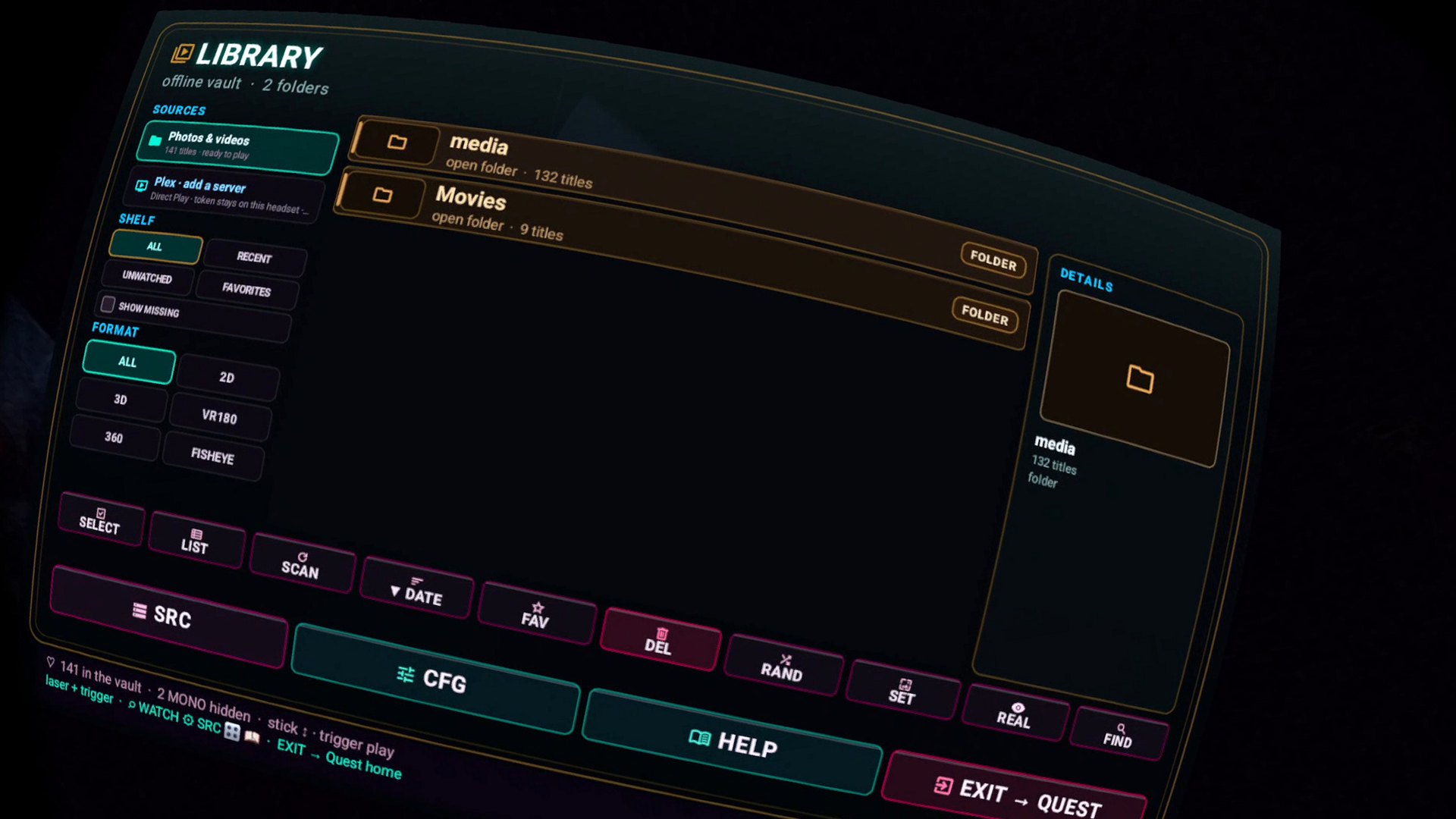
Direct answer
How to play PC videos on Quest 3 without a cable
Share the folder over SMB, put the Quest on the same Wi-Fi, add the share in Finally. No Plex. No Virtual Desktop required for this job. Files stay on the PC. Finally is free and collects nothing. Broader recipe: NAS / SMB.
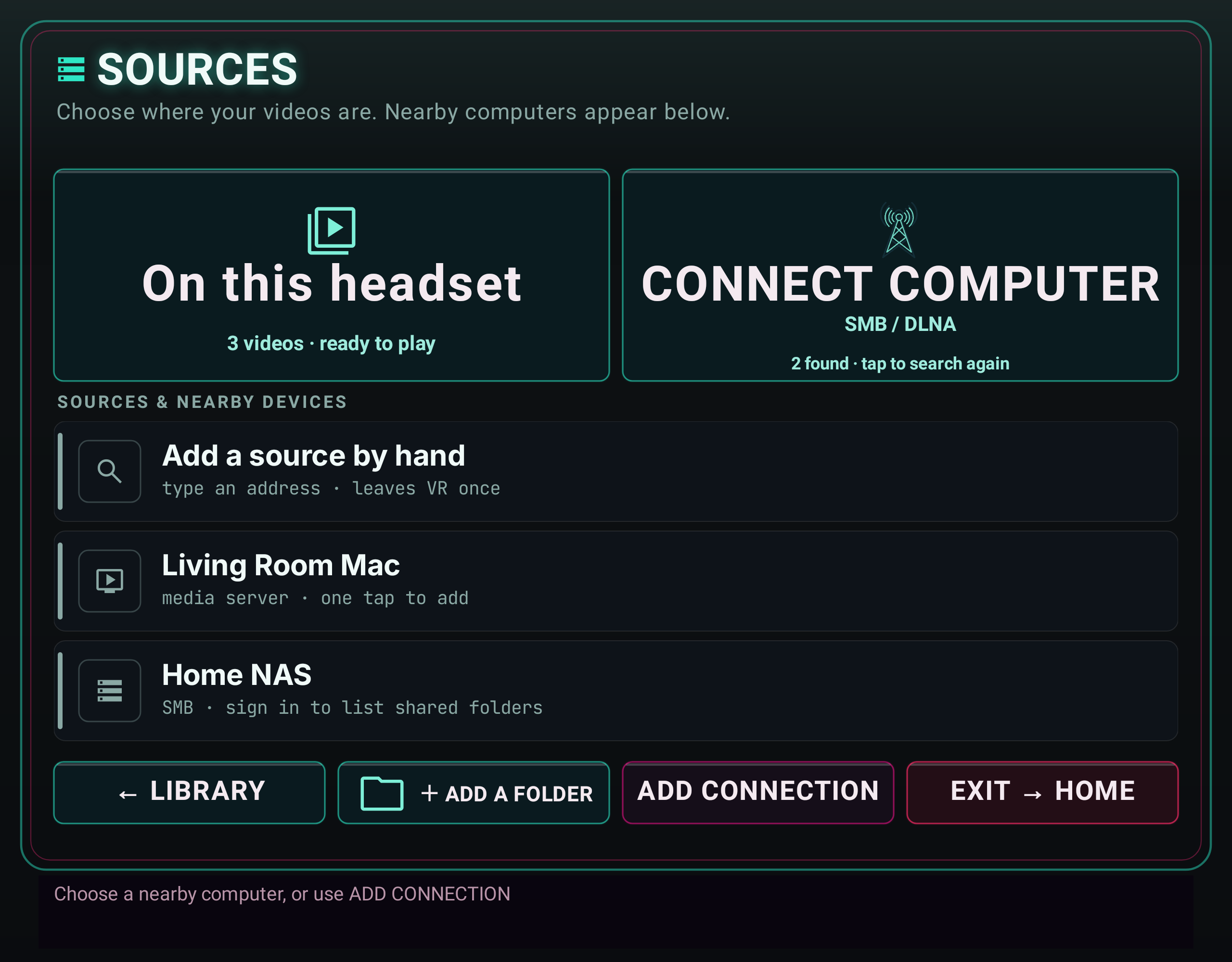
Follow the illustrated connection guide. Mac, NAS and DLNA setup, step by step, with an updated Sources preview and fixes for discovery, sign-in and empty folders. Earlier builds label this entry point SRC.
Windows
Share the folder. Connect the headset.
- Folder → Properties → Sharing. A local user that can read it. Password-protected sharing on is fine — Finally will ask for the user.
- PC IPv4 from
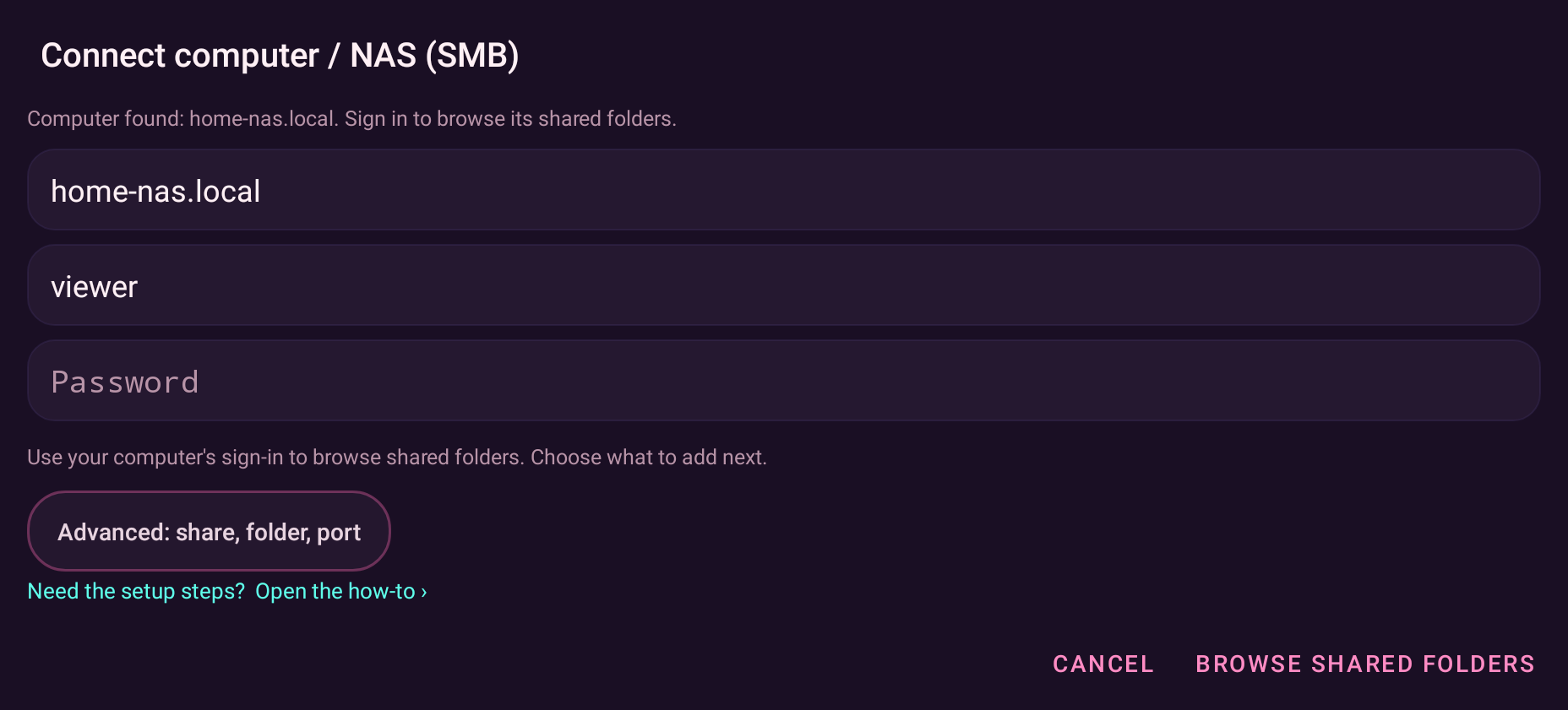
ipconfig. Private network profile, not public. Disable AP/client isolation on the router. - Finally → Source setup (SRC or SOURCES) → SMB → IP, username, password → shared-folder card → save.
Firewall: allow File and Printer Sharing on private networks. If Test fails, it is almost always Wi-Fi isolation or a wrong user, not the player. Travel / no PC: local files.
Windows already shared it. Finally just has to be told.
Get it free on Meta Quest